Files
Browse and manage application files from the browser.
Enterprise web control plane
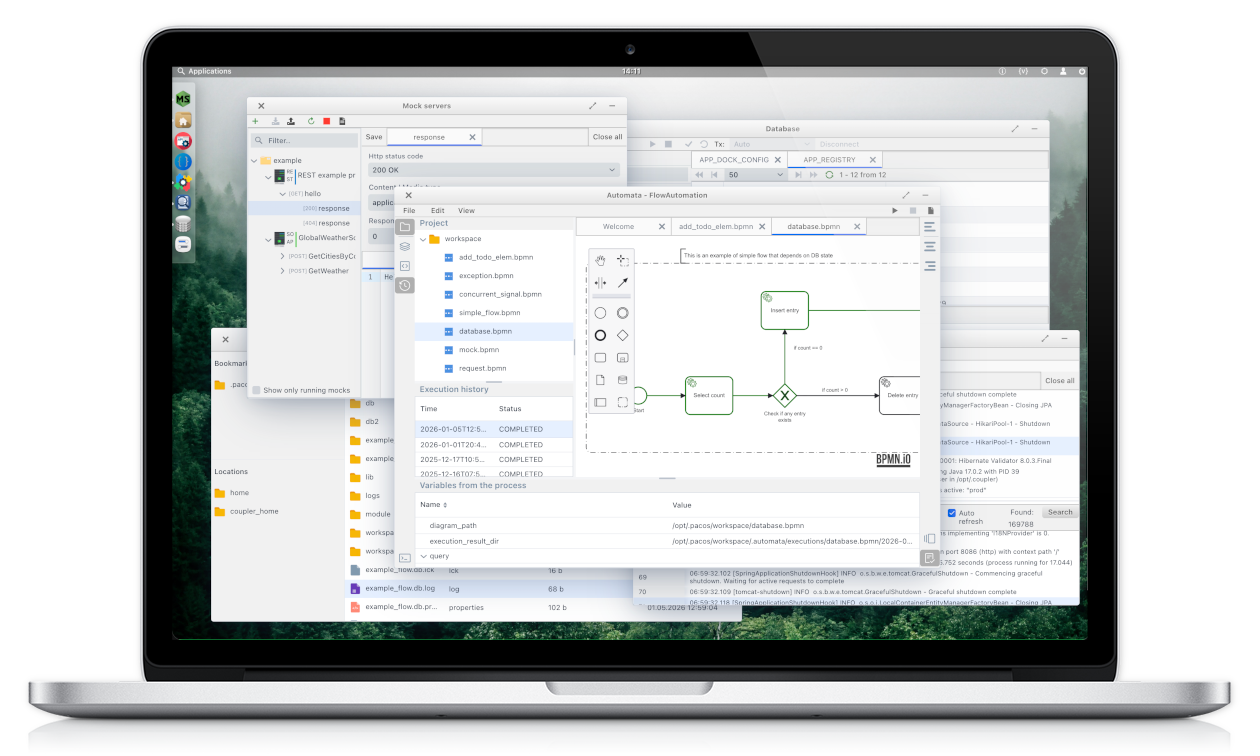
Give developers, QA and support teams controlled access to files, logs, APIs, mocks and services — without direct infrastructure access.
The problem
They are services, files, databases, APIs and test resources spread across an environment. Working with them often means switching tools or asking for server and container access.
PacOS puts the resources your team works with behind one controlled web interface. Your infrastructure stays where it is.
Application environment
What you can do
Work with the resources behind your application, not the infrastructure behind them.
Browse and manage application files from the browser.
Inspect and search application logs without server access.
Interact with application APIs and services from one interface.
Browse schemas, inspect tables and run queries.
Manage shared mocks and test resources with your team.
Open environment-specific tools alongside your resources.
Your plugins →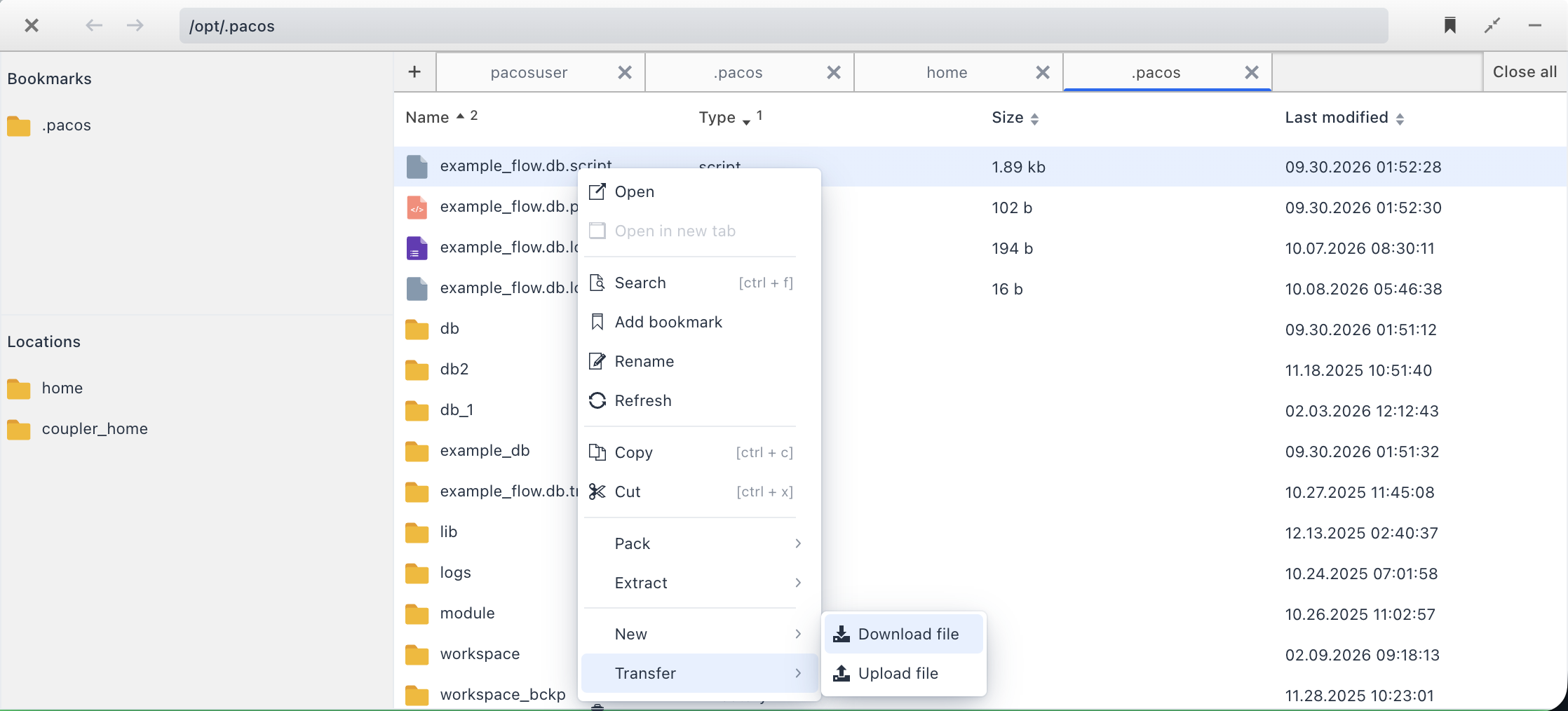
Adapt to your environment
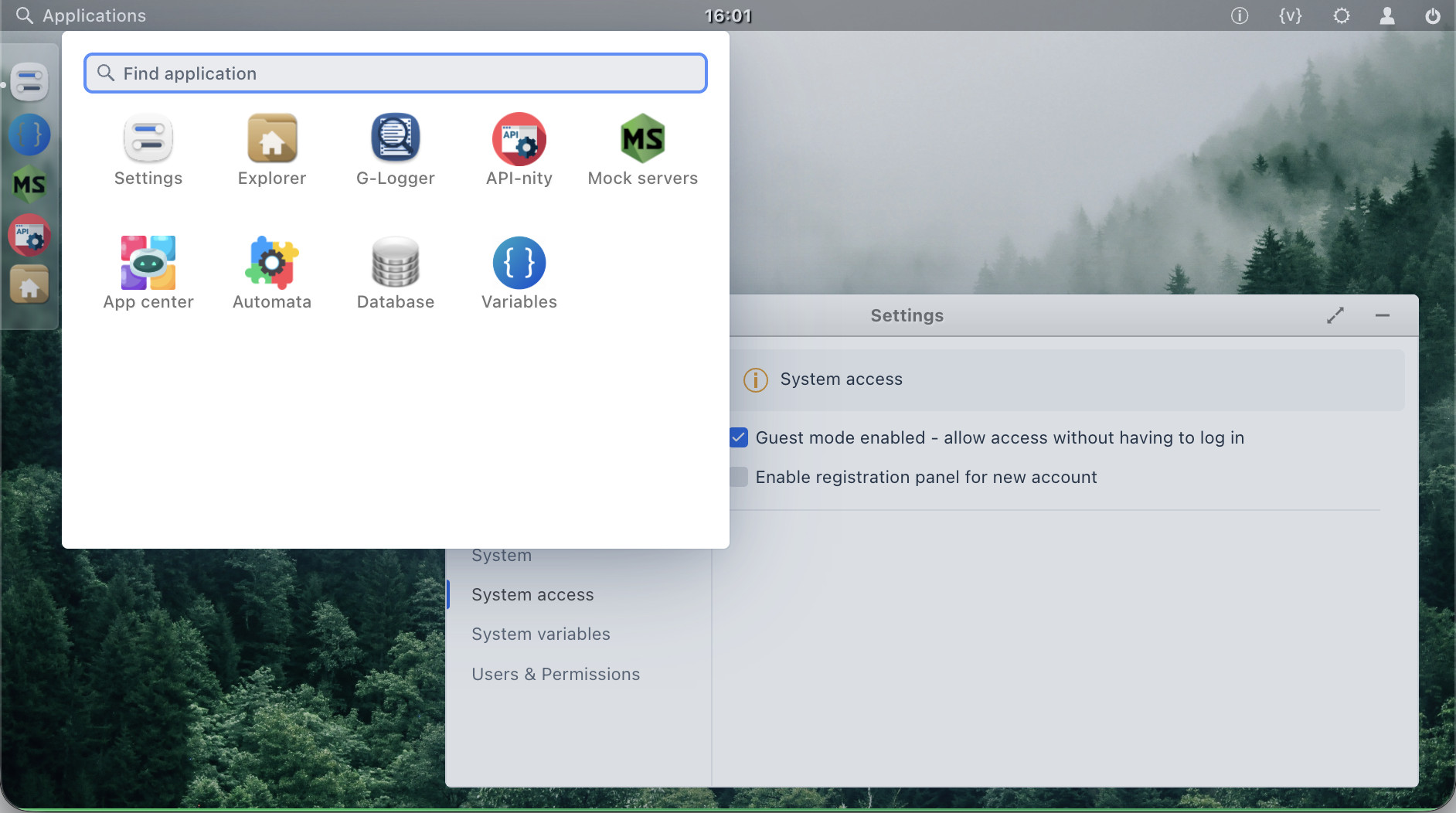
PacOS provides the common interface. Add the tools specific to your environment.
Custom Java plugins expose environment-specific tools and workflows through the same interface. Build it once. Install it alongside your other PacOS tools.
Built for teams
Inspect files, logs and services without switching between infrastructure tools.
Mocks, test resources and shared environment state.
Application diagnostics without direct server access.
Controlled access to operational resources.
How it works
PacOS does not replace Docker, Kubernetes or infrastructure management.
Plugins expose your configured resources through a desktop-like web interface, with access managed through PacOS permissions.
Explore the plugin architecture →Quick start
Try PacOS locally, then configure the resources and access your team needs.
Try PacOS
docker run --name webos \
  -e JAVA_OPTS="-Djava.rmi.server.hostname=127.0.0.1" \
  --platform linux/amd64 \
  -p 127.0.0.1:8086:8086 \
  -ti pacosdev/webos:latest
Open localhost:8086 to complete the initial setup. Local trial only, not a production deployment.
Docker / Podman installation →Deploy PacOS
Configure persistent storage and team access with the deployment guides.
Docker / Podman deployment →Run the PacOS starter JAR with Java 21.
java -jar pacos-starter.jar
Take the next step
Explore the live demo, or read the documentation to install PacOS, configure your environment and build your own tools.